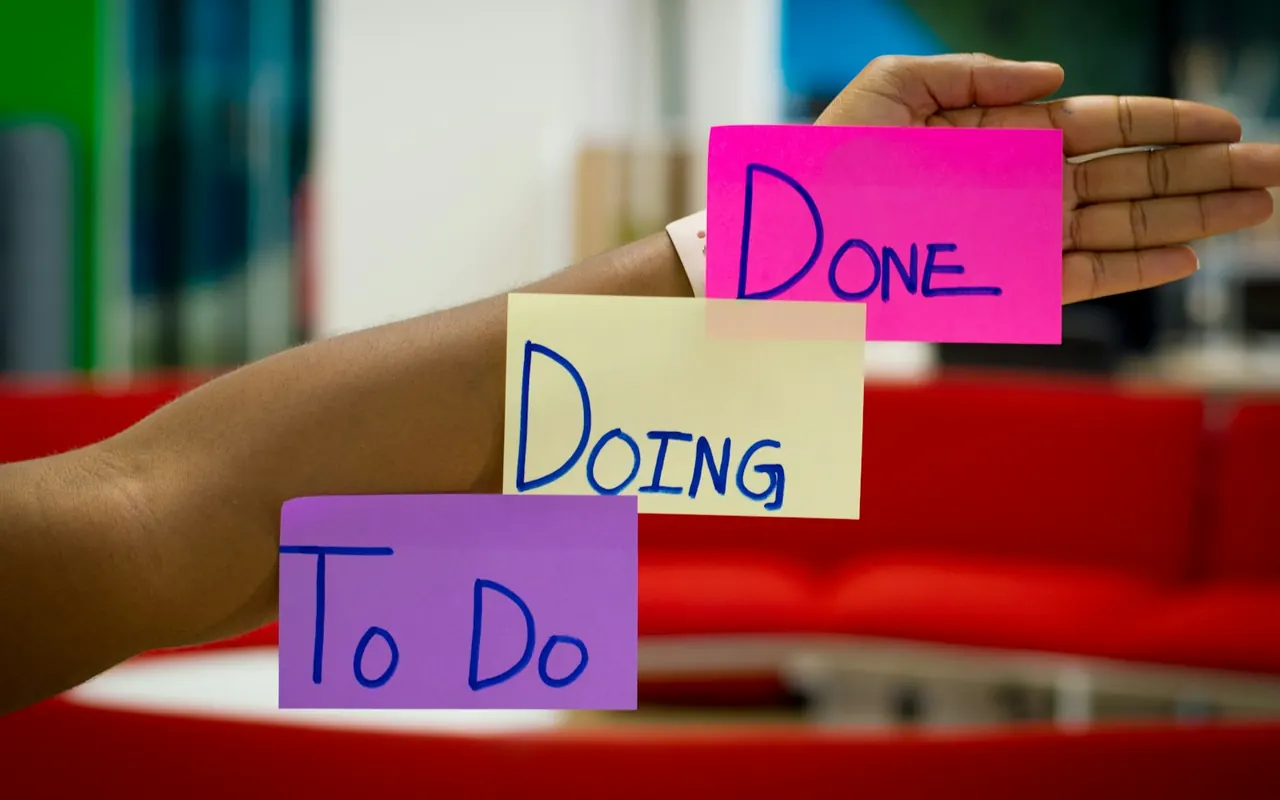
A meeting without a record is a conversation that will be remembered differently by everyone who attended. A meeting with a record but no follow-through is a pleasant discussion that changes nothing. Good notes and reliable task tracking connect conversation to results.
This guide explains what to capture, how to format it, and how to make sure follow-up happens.
What Notes Are For
Meeting notes serve several audiences:
- Attendees, who need a reminder of decisions and their tasks.
- Absent colleagues, who need to catch up quickly.
- Future readers, who may ask "why did we decide that?" months later.
Notes are not a transcript. Their value lies in being short, accurate, and easy to scan.
What to Capture
- Basic information: Meeting title, date, attendees, and absentees.
- Decisions: What was decided, and briefly why.
- Action items: Task, owner, due date.
- Open questions: Matters raised but not resolved, with a person to resolve each.
- Key context or links: Documents referenced, figures cited.
Discussion detail can be summarized briefly. Avoid recording who said what unless it matters.
A Simple Notes Template
Keep it short enough that people actually use it:
- Meeting: Weekly project sync
- Date and attendees: 2026-04-27 – Ana, Marcus, Priya, Lee
- Decisions: (1) Launch date moved to May 20. (2) Use the existing vendor for printing.
- Actions: Ana – confirm venue booking by Friday. Marcus – update the project plan by Wednesday.
- Open questions: Do we need legal review of the new terms? (Priya, by Thursday)
Make Action Items Actionable
An action item is complete only if it has three parts:
- A clear task starting with a verb ("Draft," "Confirm," "Send").
- A single named owner. Shared ownership often means no ownership.
- A due date, not "soon" or "next week."
Read them back at the end of the meeting. Ask each owner to confirm that the item and date are realistic.
Choose Where Notes and Tasks Live
The best system is one your team will actually use. Options include:
- A shared document per recurring meeting with the newest notes at the top.
- Notes attached to the calendar event or a shared notebook.
- Tasks created directly in your team's task tracker and linked back to the notes.
Whatever you choose, avoid duplicating tasks across multiple lists. If tasks live in a task tracker, link to them from the notes rather than copying them, so there is one source of truth.
Assign a Note-Taker and Rotate the Role
Agree on a note-taker before the meeting, ideally someone other than the facilitator, so that the facilitator can focus on the discussion. Rotate the role. If your meeting software offers features such as automatic transcription or summaries, check your organization's policy and the accuracy of the results before relying on them. Human review remains important, because automatically generated text can miss context or contain errors.
Distribute Quickly
Send or post the notes within one business day, while memory is fresh. Put the key decisions and actions at the top. In the message, state clearly: "Please reply by Thursday if anything is missing or incorrect." This gives attendees a chance to correct errors.
Make Follow-Up Reliable
- Review open actions at the start of the next meeting. Mark each as done, in progress, or blocked.
- Use reminders. Calendar entries or task-tracker notifications help owners remember their due dates.
- Make progress visible. A shared board or list shows what is complete.
- Handle slipping tasks openly. If something cannot be done on time, the owner should say so early and propose a new date.
- Close the loop. When an action is complete, mark it and, where relevant, tell those who were waiting for it.
Privacy and Sensitivity
Notes may contain sensitive information, such as personnel matters or confidential strategy. Store them with appropriate access settings, share them only with the people who need them, and avoid recording personal details in widely shared notes. Be aware of your organization's rules on recording, transcribing, and retaining meeting content, and of any legal consent requirements that apply.
Common Mistakes
- Writing long narrative minutes that no one reads.
- Recording tasks without owners or dates.
- Storing notes in personal files that others cannot find.
- Not reviewing open actions in the next meeting.
- Assuming automated summaries are always accurate.
To improve agendas that feed into your notes, see How to Create Better Meeting Agendas.
Frequently Asked Questions
Is it acceptable to rely on automatic meeting summaries?
They can be a helpful starting point, but they may contain mistakes or miss context. A person who attended should review and correct them before they are shared as the official record.
How long should we keep meeting notes?
It depends on your organization's retention policy and any legal requirements. Routine notes are often kept for the life of a project plus a defined period.
Conclusion
Reliable notes and follow-up turn meetings into progress. Capture decisions and actions concisely, give every action a verb, an owner, and a date, store notes where people can find them, and review open items at the next meeting. These habits are simple, and the difference they make is visible within a few weeks.
Independent educational content. Teams Knowledge is an independent educational resource. It is not affiliated with, endorsed by, or sponsored by Microsoft Corporation. Product names and trademarks belong to their respective owners. This article is general information, not professional advice. See our Disclaimer.
Related articles

How to Create Better Meeting Agendas
Learn how to write agendas that clarify purpose, allocate time realistically, and keep discussions on track, with templates for common meeting types.

How to Organize Recurring Team Meetings
Design recurring meetings that stay useful: choosing cadence, structuring the format, rotating roles, and knowing when to change or cancel a series.

How to Organize Effective Online Team Meetings
A practical framework for deciding when to meet, who to invite, how to structure the session, and how to close the loop afterward.